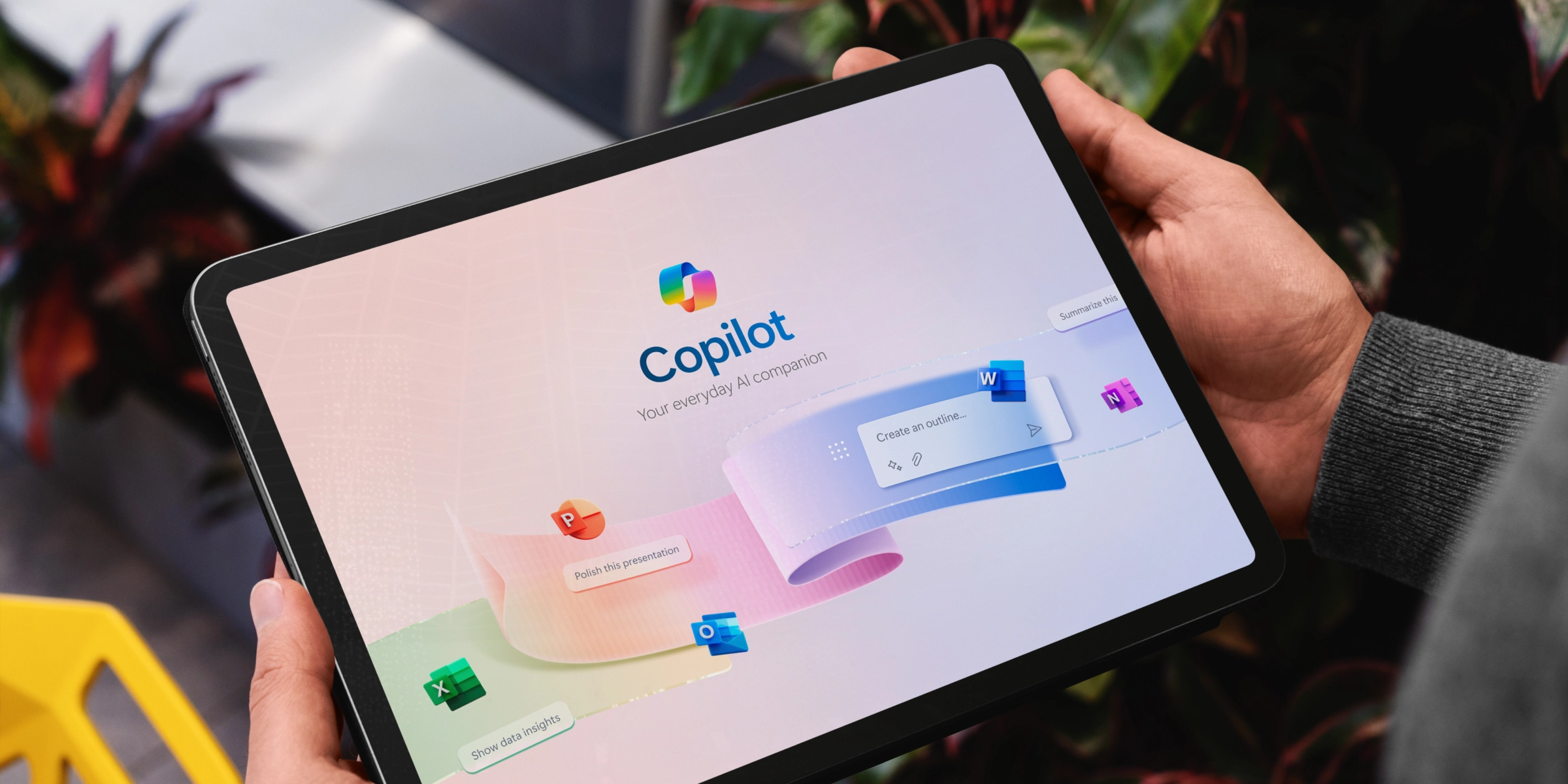


Microsoft refers to Copilot as “the user interface for AI.” Basically, it is AI that is embedded directly into tools employees already use (Outlook, Teams, Word, Excel, and PowerPoint) to help people write, analyze, summarize, and make decisions faster.
This blog explains what Microsoft Copilot is today, how organizations are using it, what leaders need to know before rolling it out, and where the platform is headed next.
Microsoft Copilot for Microsoft 365 is an AI assistant built directly into familiar Microsoft applications.
Rather than acting as a standalone chatbot, Copilot works inside your existing documents, meetings, emails, and data, using the same access rules that already govern your Microsoft environment. It can only surface information a user already has permission to see.
What Copilot does not do:
Copilot inherits Microsoft 365’s existing security, privacy, compliance, and data residency commitments, including the EU Data Boundary. For most organizations, this means Copilot operates within the same guardrails already in place for email and documents.
From a licensing standpoint, Microsoft Copilot for Microsoft 365 is a paid add-on, currently priced at $30 per user per month, on top of eligible Microsoft 365 Business or Enterprise subscriptions.
Copilot delivers the most value in everyday work scenarios where time is lost summarizing information, switching between tools, or starting from a blank page.
Copilot can summarize meetings, highlight decisions, and identify action items, either during the meeting or afterward. Employees can ask questions like “What did I miss?” or “What decisions were made?” without replaying recordings or scanning long transcripts.
Users can generate first drafts of documents or presentations based on existing content, outlines, or notes. While human review is still required, teams report faster turnaround for proposals, reports, and internal decks.
Copilot allows users to ask questions in plain language such as “What drove last quarter’s variance?” and receive suggested formulas, charts, or summaries. This reduces reliance on advanced Excel skills for routine analysis.
Microsoft Security Copilot helps security teams investigate incidents more efficiently. In Microsoft’s internal testing, experienced analysts worked faster and with greater accuracy when using Copilot during threat analysis.
GitHub Copilot continues to show productivity gains for developers, with multiple studies indicating higher task completion rates and reduced time spent on routine coding work.
Many organizations now have measurable data to share with finance leader
Finance leaders found the most value comes from daily productivity improvements, not a single breakthrough use case.
Copilot follows the same security model as Microsoft 365. It does not create new access pathways or override existing permissions.
Each user can only see:
To help organizations manage AI responsibly, Microsoft introduced the Copilot Control System (CCS). CCS is not a product, it is a set of governance practices and controls designed to help IT teams apply the right guardrails before and during rollout.
Organizations using Microsoft E3 licenses can apply baseline controls, while E5 licenses enable more advanced data protection, monitoring, and risk management.
Before enabling Copilot broadly, most organizations benefit from a few preparatory steps:
These steps are not Copilot specific, they improve information governance overall.
Microsoft recommends a phased approach rather than a companywide deployment.
Copilot is not a replacement for human judgment.
Organizations that plan for oversight and training see more consistent results.
Microsoft is expanding beyond AI assistants toward AI agents, software that can complete multistep tasks across systems under defined rules.
Recent announcements include:
So soon, Copilot will become a coordination layer across apps, data, and workflows.
For organizations looking to extend Copilot further, Copilot Studio enables the creation of custom agents that connect to internal systems and processes.
Recent improvements focus on:
This allows deeper automation while maintaining accountability.
In short, Microsoft Copilot delivers measurable productivity gains in meetings, writing, analysis, security, and software development. Organizations that combine strong information governance with focused training and staged deployment are seeing the strongest returns, while positioning themselves for a future where Copilot will automate more complex workflows.
Ascendum Solutions partners with enterprise and government organizations across the U.S. to help maximize Microsoft 365 investments. Our experts support Copilot strategy, SharePoint and M365 modernization, security and governance, cloud migration, business applications, and ongoing support.
Contact Ascendum Solutions for a complimentary consultation.
Your browser's Global Privacy Control signal has been honoured — targeted advertising is off.
We use cookies for analytics and marketing. Nothing runs until you decide. See our Cookie Policy.

